jmtd → log → Frictionless external backups with systemd
Here's a description of how my monthly external backups are managed at a technical level. I didn't realise I hadn't written this all down anywhere yet.
What
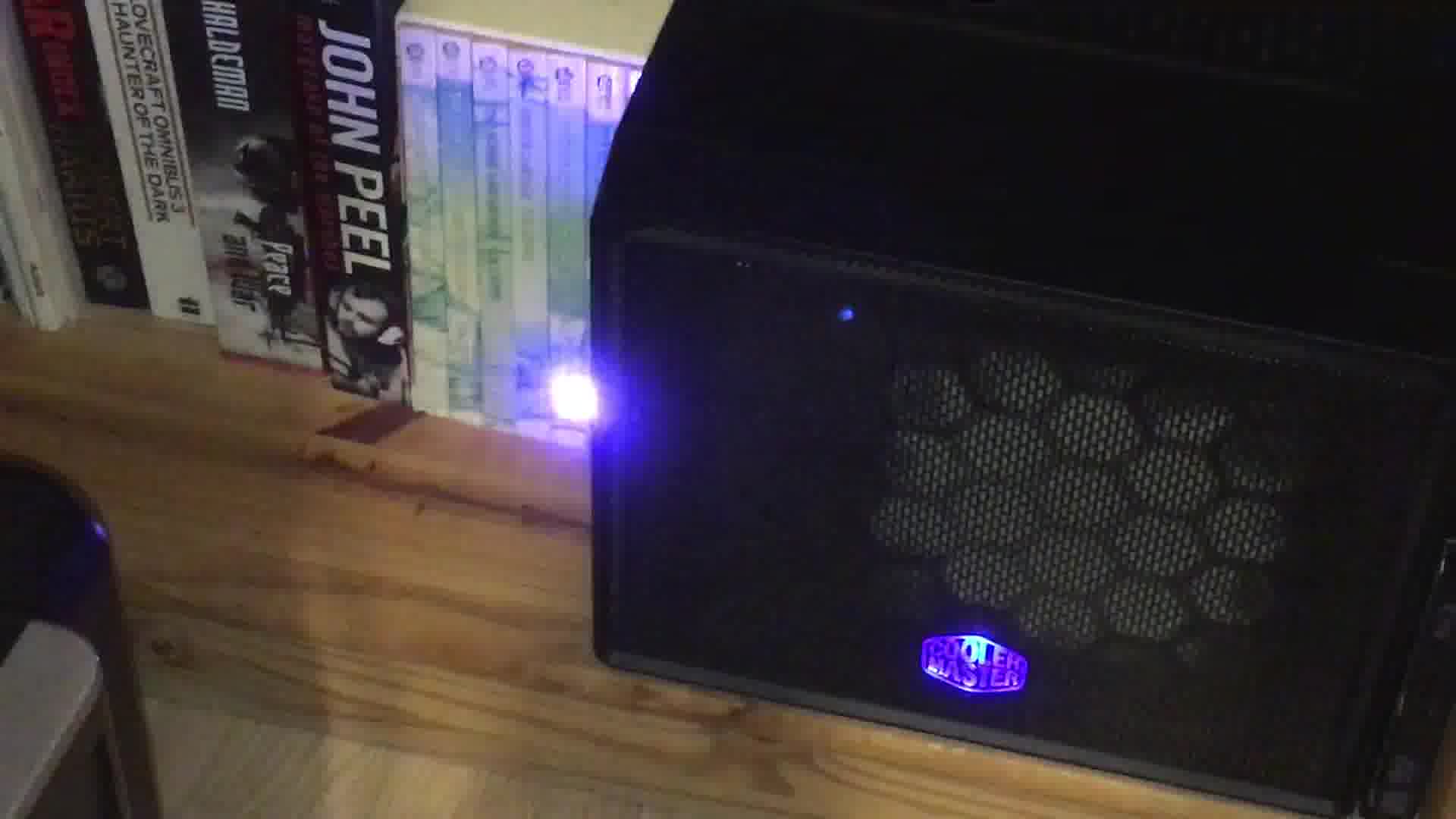
blinkenlights!
I plug in one of two (prepared) external hard drives into my headless NAS. The NAS contains my primary data backup. A job automatically decrypts the encrypted filesystem on the drive, mounts it and synchronises the copy of my backup data on the drive from that on the NAS. Whilst this is going on, the blinkstick LED on the NAS switches to a colour to signal "in progress". When it's done, the light changes to green to signal "done" and I can remove it. If something goes wrong, it turns red and I get mail.
Why
I want a third-strand, off-site backup of my and my family's data in case of a disaster in our house. For it to be useful it has to be regular, so I needed to remove as much of the friction of performing the backup as possible.
I use two drives alternately so that I don't have all my eggs in one basket in the window when I bring one of them home and perform the backup.
How
As much as possible I lean on systemd and its ability to trigger actions
based on events.
External drive is plugged in.
systemdinstantiates a corresponding device unit, nameddev-disk-by\x2duuid-aaaaaaaa\x2daaaa\x2daaaa\x2daaaa\x2daaaaaaaaaaaa.device, whereaaaa…is the UUID of a partition on the deviceThe backup job is a
systemdservice which has aWantedByrelationship on the device unit, so when the device appears,systemdstarts the backup service.The backup service has
RequiresandAfterrelationships onsystemd-cryptsetup@extbackup.service, a service created bysystemd's cryptsetup generator on start-up (but slightly customised, see below). The encrypted device is therefore unlocked.The backup service defines multiple start and stop commands with
ExecStartandExecStop. These are used to:- set the blinkstick to the working colour (blue-ish)
- mount the now-decrypted filesystem
- get a lock on the backup repository (so nothing else writes to it) and synchronise the files
- unmount the filesystem
- set the blinkstick to the success colour (green)
Finally, the
systemd-cryptsetup@extbackup.serviceunit realises it is not required any more. It has been customised withStopWhenUnneeded=true1, so the encrypted filesystem is closed, ready for the drive to be removed.I notice the LED colour is green, remove the drive, and take it to its off-site home.
If anything goes wrong, all my custom systemd units have,
as a matter of course,
OnFailure=status-email-user@%n.service blinkstick-fail.service
Preparing a new backup disk
This is mostly just a standard dm-crypt/cryptsetup/LUKS encrypted device, on top of a standard partition on the underlying disk, with a normal filesystem sitting on top: Basically, the most common way to encrypt a drive in Linux. See places like the cryptsetup docs for how to set something like that up. The key things here are
- set up a decryption key file as well as (or instead of) a pass- phrase and store that somewhere on the filesystem of the NAS
- back up the LUKS header, as the cryptsetup documentation stresses you should
- make a note of the underlying partition UUID: it's needed for
the
WantedByline in the backup service file. (look in/dev/disk/by-uuidbefore and after inserting it and see what was added) - label the filesystem on top of the encrypted device for convenience
- set up a
/etc/crypttabline with all the info needed to decrypt - set up a
/etc/fstabline with all the info needed to mount (yes, really; see "Issues" below)
The backup service
Here's the backup service unit definition in its entirety:
 [Unit]
 OnFailure=status-email-user@%n.service blinkstick-fail.service
 Requires=systemd-cryptsetup@extbackup.service backup.mount
 After=systemd-cryptsetup@extbackup.service backup.mount

 [Service]
 Type=oneshot
 ExecStart=/usr/local/bin/blinkstick --index 1 --limit 10 --set-color 33c280
 ExecStart=/bin/mount /extbackup
 ExecStart=/home/jon/bin/phobos-backup-monthly
 ExecStop=/bin/umount /extbackup
 ExecStop=/usr/local/bin/blinkstick --index 1 --limit 10 --set-color green

 [Install]
 WantedBy=dev-disk-by\x2duuid-aaaaaaaa\x2daaaa\x2daaaa\x2daaaa\x2daaaaaaaaaaaa.device
The dashes in the UUID in WantedBy= need to be encoded as \x2d and then
the slashes from the path bit as dashes. Using dashes to encode
slashes is possibly the single most frustrating systemd design decision.
Issues
Sadly (as detailed in Blinkenlights, part 2) there are
2 some frustrating limitations with trying to handle the mount
(and unmount) of the filesystem in systemd-land, so instead, it's done
using the traditional mount, umount and fstab.
If you can point out any improvements to this approach, please let me know!
-
I customized mine a while ago by copying the generated service file to a
static file, but nowadays I think you could do
systemd edit
   systemd-cryptsetup@extbackup.service
to add theStopWhenUnneededto an override file and not need the rest.↩ - or at least were. It's been a while since I revisited this part.↩
Comments